
Connect your store with an API key
WooCommerce creates the key in your own admin; BikeDist never needs your WordPress password.
- Check that Settings → Permalinksis set to anything except "Plain". The REST API needs pretty permalinks.
- Go to WooCommerce → Settings → Advanced → REST API and click Add key.
- Give it a description such as "BikeDist", pick your admin user and set permissions to Read/Write, so BikeDist can create and update products.
- Click Generate API key and copy the consumer key and consumer secret. WooCommerce shows the secret only once.
- In BikeDist, open Stores → Connect store → WooCommerce and paste your store URL, key and secret.
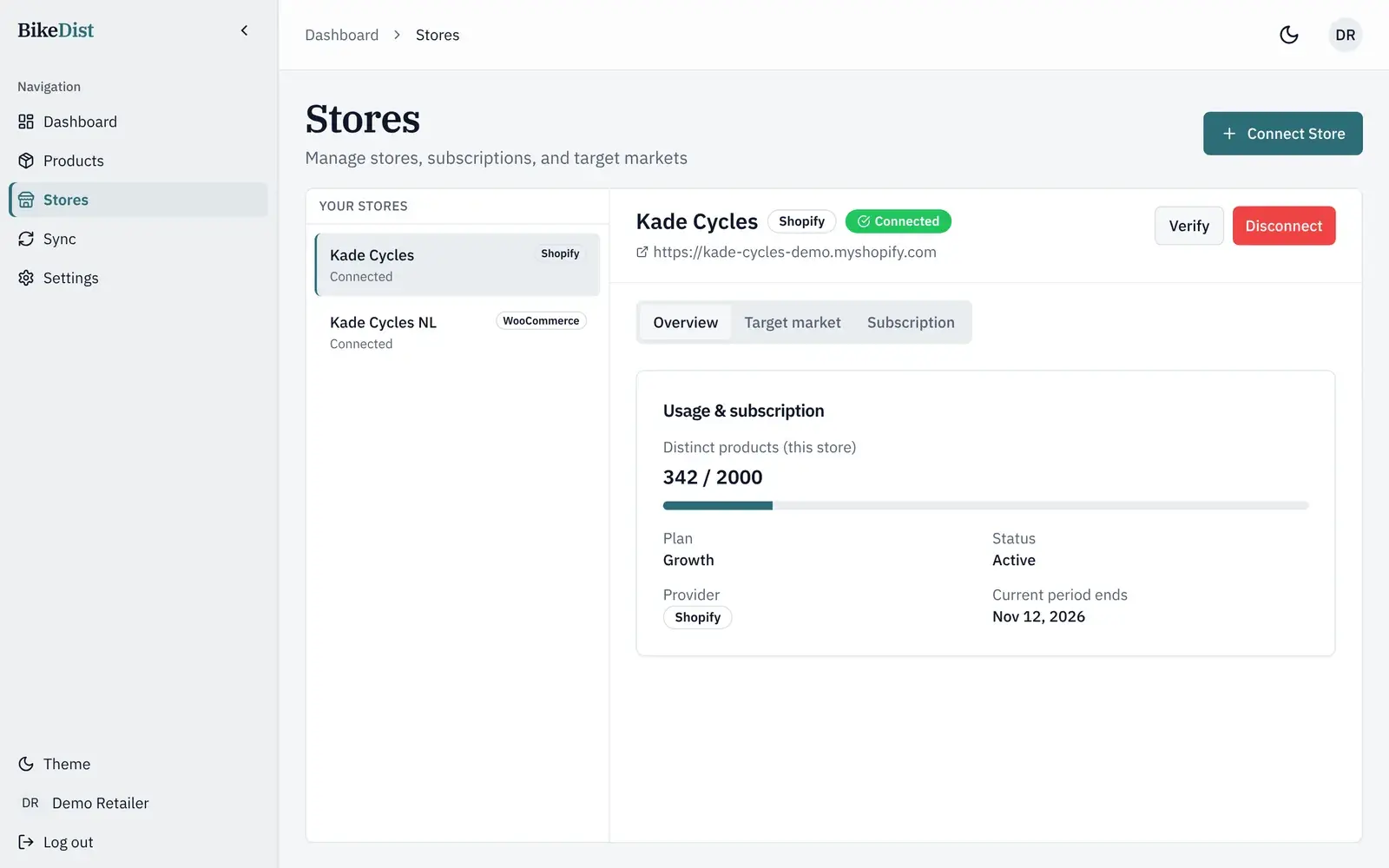
Variable products, attributes and variations
DST has one row per size and colour. BikeDist groups those rows by model and creates one WooCommerce variable product, with Size and Colour (or whatever the supplier uses) as attributes and a variation per row. Each variation gets its own SKU, price, stock and image. You can also export each size and colour as its own simple product; the variants guide explains when that makes sense.
What lands in each WooCommerce field
- Name and descriptionfrom the supplier's DST record.
- Category from the DST product group; the brand and
bikedist-syncedas tags. - Images in the product gallery, and the matching image on each variation.
- Stock as a managed stock quantity with in-stock or out-of-stock status.
- Price as the regular price after your markup and rounding.
EANs are not sent to WooCommerce yet; they are on Shopify variants. If your theme or feed needs GTINs today, add them in WooCommerce after export.
Prices, updates and several stores
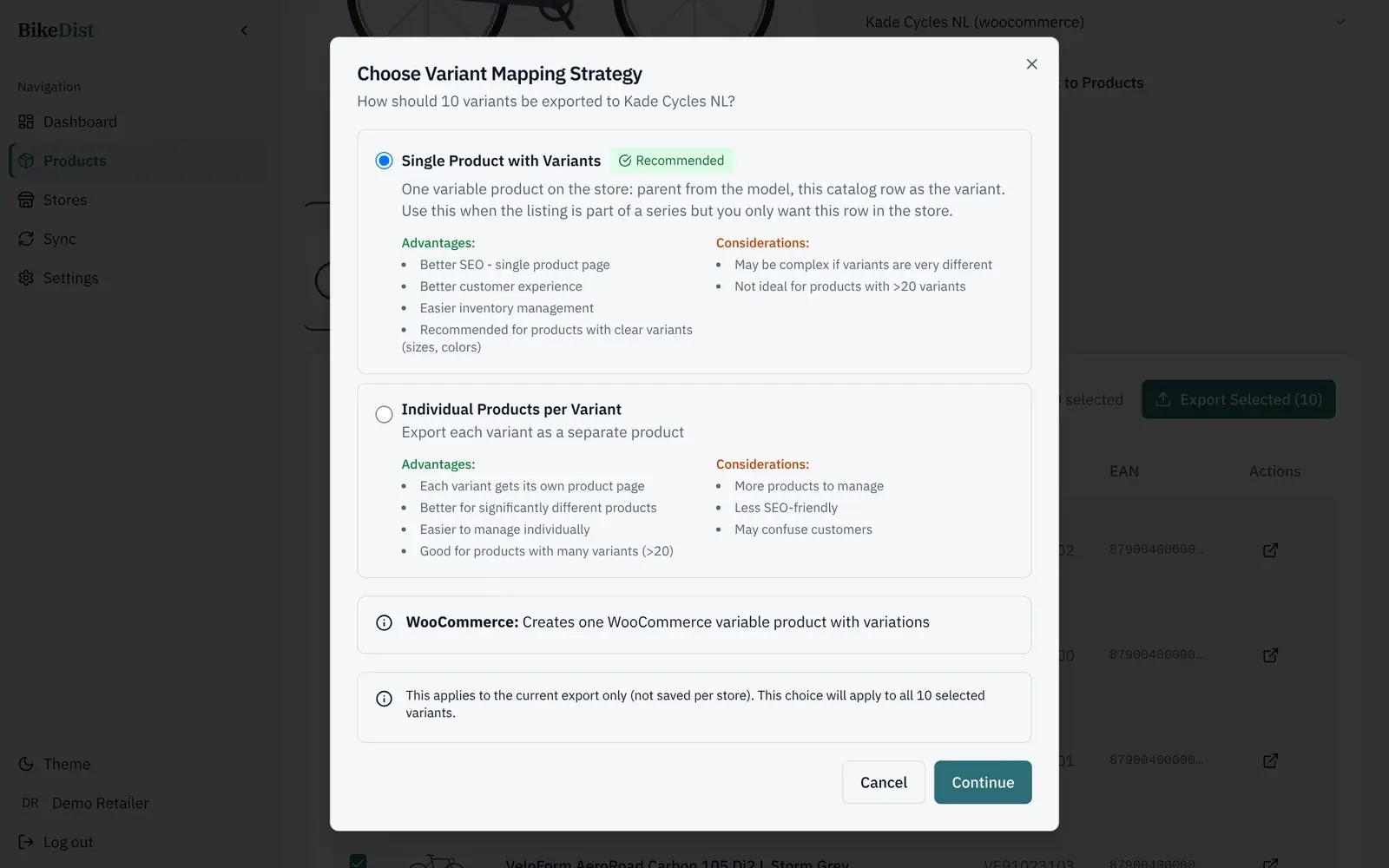
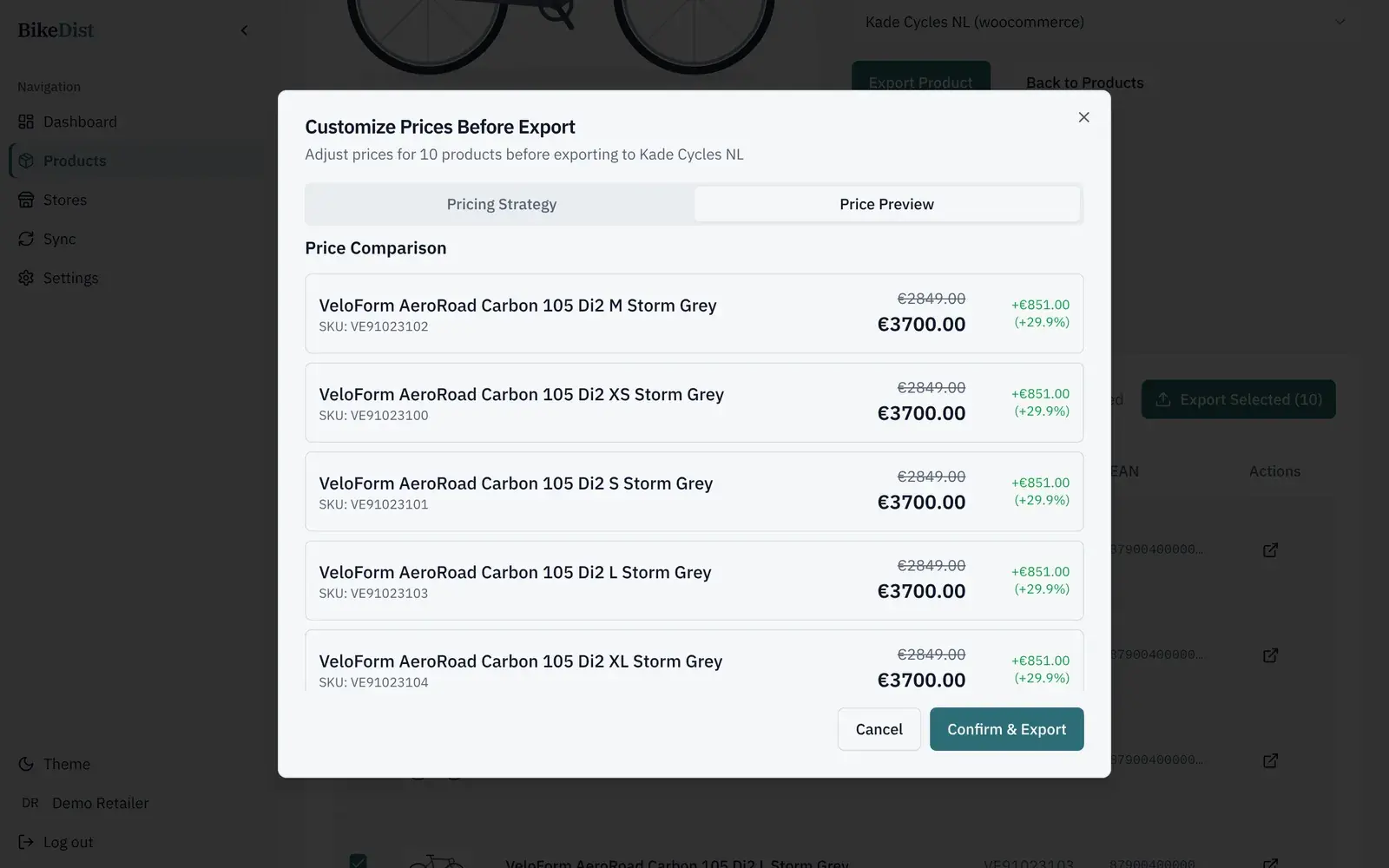
Each export starts from the DST price, with your percentage markup, rounding to the nearest €5, €10 or €100, or prices typed by hand, all previewed before you confirm. BikeDist refreshes the DST catalogue daily; exporting a product again updates the WooCommerce product it created earlier instead of adding a duplicate. Growth and Pro plans connect several stores, for example a Dutch and a German WooCommerce shop, each with its own prices.
Next to your POS
Some shops run their POS, such as CycleSoftware, alongside WooCommerce, with a plugin that links the two. BikeDist does not replace that link. It adds the supplier's DST product data (names, descriptions, images, sizes and colours) to your webshop, so your POS keeps doing what it does today.
Related
- Shopify vs WooCommerce for bike shops in 2026Cost, variants, supplier data, leasing and POS: how Shopify and WooCommerce compare for an independent bike shop, with current 2026 prices.
- How to get a GLN and DST access as a bike dealerWhat a GLN is, how bike dealers get a free DST account, where the GLN comes from, and how to connect it to BikeDist. Steps, timing and common problems.
- Bike sizes and colours as Shopify variants: two waysOne product with size and colour variants, or one product per variant? How each works in Shopify and WooCommerce, the SEO effect, and which to pick.
- DST integration for Shopify and WooCommerceConnect your DST dealer access to Shopify or WooCommerce. BikeDist imports product data, images, sizes and colours and exports them at your prices.