
What DST is
DST (Stichting Digitaal Samenwerken Tweewielerbranche) is a product data platform for the bicycle trade, run from Amsterdam. Suppliers publish their article data there once, in a standard format, and dealers read it in their POS or webshop. In October 2026 DST lists 75 brands and manufacturers and more than 3.8 million articles.
DST asks suppliers to code and classify articles the same way and to use the same term for the same part, whichever brand it comes from. For a webshop that means consistent titles, descriptions, images and EANs instead of a different spreadsheet from every supplier.
Who gets access
DST is free for bike specialists; suppliers pay the membership. To read data you need a DST dealer account, and suppliers decide which dealers may see their catalogue. DST identifies your shop by its GLN, a 13-digit GS1 location number.
- You already have DST and a GLN (for example because your POS reads DST): enter the GLN in BikeDist and it checks which suppliers have authorised you.
- You have no GLN yet: use Request GLN in BikeDist. We send your details to Stichting DST, they register you, and the access check runs as soon as your GLN is in.
Step-by-step instructions, timing and common problems are in the GLN and DST access guide.
What BikeDist pulls from DST
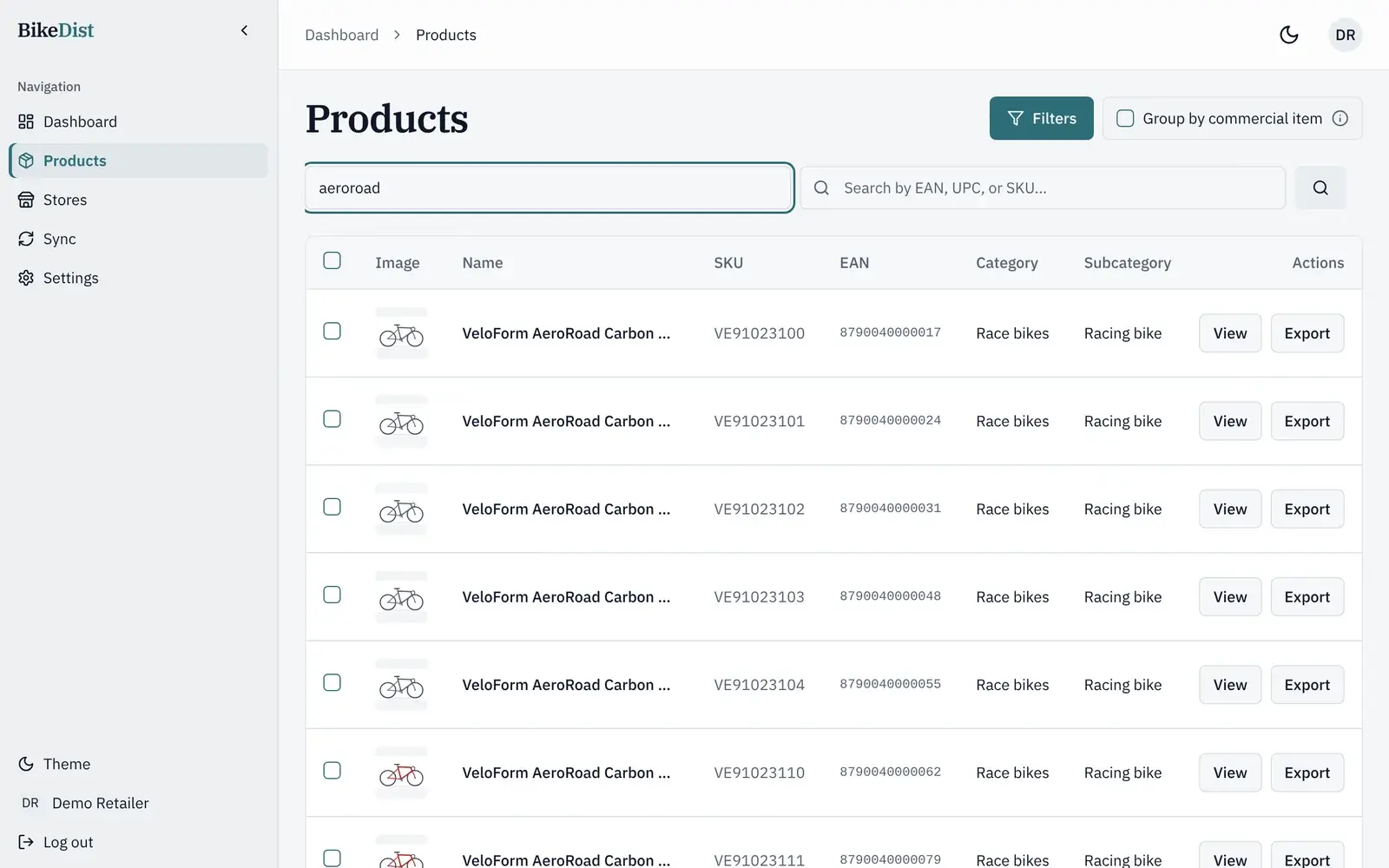
BikeDist syncs the DST catalogue every day and keeps the supplier's full article record, so you can search and filter by brand, category, frame, gears, battery, size, colour and model year. When you export, it writes these fields to your store:
| From DST | In Shopify | In WooCommerce |
|---|---|---|
| Product name | Title | Name |
| Description | Description | Description |
| Brand | Vendor, plus a Brand tag | Product tag |
| Category and subcategory | Product type, plus Category and Subcategory tags | Product category (main category only) |
| Images | Product images, matched to each variant | Gallery and variation images |
| Sizes and colours | Options and variants, or one product per variant | Attributes and variations, or one product per variant |
| Article number | SKU on each variant | SKU on each product or variation |
| EAN | Barcode on each variant | Not sent yet |
| Stock | Tracked inventory quantity | Managed stock quantity |
| Price | Price after your markup and rounding | Regular price after your markup and rounding |
How it maps to your store
DST stores one row per size and colour. A road bike in five sizes and two colours is ten rows, each with its own article number and EAN. BikeDist groups those rows by model, so you choose how they reach your store:
- One product with variants: one product page, with size and colour as options. Best for most bikes.
- One product per variant: a separate page for each size and colour, useful when variants differ a lot.
Prices follow your rules: a percentage on the DST price (each store can have its own default), rounding to the nearest €5, €10 or €100, or prices typed by hand, all shown in a preview before anything is published. Exporting a product again updates the one already in your store instead of creating a duplicate. More on the trade-offs in bike sizes and colours as variants.
Which countries it works in
DST asks suppliers to open their catalogue to every retailer worldwide, although article data can differ by country. BikeDist works with any Shopify or WooCommerce store and is used by bike shops in Denmark, Finland, France and Italy. What you see depends on which suppliers authorise your GLN, not on where your shop is.
Questions dealers ask
Does this replace my POS connection to DST?
No. Your POS keeps reading DST as it does today. BikeDist is a separate route from DST into your webshop, so you do not need a new POS or a new webshop.
Do I pay DST for this?
No. DST is free for bike specialists. You pay BikeDist for the export to your store, from €59 a month billed yearly (€69 billed monthly), after a 14-day free trial.
What if a supplier has not authorised me?
Their products will not appear in your BikeDist catalogue. Ask the supplier to authorise your GLN in DST, then run the access check again from BikeDist.
Related
- How to get a GLN and DST access as a bike dealerWhat a GLN is, how bike dealers get a free DST account, where the GLN comes from, and how to connect it to BikeDist. Steps, timing and common problems.
- The Shopify app for bike shops that use DSTInstall BikeDist from the Shopify App Store and publish DST bikes with sizes and colours as variants, EAN barcodes, images and your own prices.
- Import your DST bike catalogue into WooCommerceConnect WooCommerce with a REST API key and export DST bikes as variable products with sizes, colours, images, SKUs and your prices. No extra plugin.
- DST vs Veloconnect: bike data standards comparedDST and Veloconnect both move bike supplier data to dealers. Who runs each, what data they carry, where they are used, and what works with Shopify.